 AdCheckLab
for marketers
AdCheckLab
for marketers
AdCheckLab
for marketers
AdCheckLab
for marketers
Transparent PNG safe zone overlays drawn from each platform's own ads guide or template. Put one on the top track in Premiere Pro, DaVinci Resolve, After Effects, Final Cut Pro, CapCut or Canva and keep text, logos and faces out of the red areas. Want to test a finished file instead? Use the Safe Zone Checker.
Every Download PNG link saves the ready made file at 1080×1920 (1920×1080 for the two 16:9 templates). Render at selected size draws the same mask in your browser at the size picked above.

Scaled from TikTok's own In-Feed ads template to 1080×1920. The red covers the top bar, the caption and call to action area, both sides and the like, comment and share column on the lower right, which narrows the 840×1020 px safe box to 660 px wide below 840 px. Longer ad captions shrink it further.
Source: TikTok In-Feed ads help, Feed.png template · Verified 30 September 2026

Meta asks advertisers to keep 14% at the top, 35% at the bottom and 6% on each side free of text, logos and key elements. On 1080×1920 that leaves a 950×979 px safe box. Organic Reels show less interface, so this is the careful choice for organic posts too.
Source: Meta Ads Guide, Instagram Reels · Verified 30 September 2026

Stories ads follow the same Meta rule as Reels ads: 14% top, 35% bottom and 6% on each side. The top holds the progress bar and profile name, and the deep bottom margin keeps the call to action clear. Organic Stories have no call to action, so a lighter guide of 250 px top, 250 px bottom and 65 px sides fits them. Meta publishes no organic numbers, so that guide is not official: switch the checker to Feed to see it.
Source: Meta Ads Guide, Instagram Stories · Verified 30 September 2026
Instagram Stories safe zone guideCheck a video against itCheck an organic Story

Google publishes one vertical safe zone for every YouTube vertical video ad, Shorts included. The wide right margin clears the like, comment and share buttons, the bottom holds the channel name, title and call to action, and the safe box is 840×960 px.
Source: Google Ads Help, safe zones for YouTube video ads · Verified 30 September 2026

Snap's official safe zone, one spec for Stories, Spotlight and Commercials: 10% top, 35% bottom and 6% on each side, which leaves a 950×1056 px safe box. A block on the lower right keeps the profile and call to action icons clear, so the box narrows to 853 px wide below 1056 px.
Source: Snap Business Help, Safe Zones for Ads on Snapchat · Verified 30 September 2026

Pinterest's own spec for 1080×1920 Idea ads. The right margin leaves room for the save and share buttons, the bottom for the title and the link, and the safe box is 820×1210 px. Idea ads can also run as organic Pins, so the template works for both.
Source: Pinterest product specs, Idea ads · Verified 30 September 2026

Google's horizontal template for 16:9 video ads. The bottom 387 px hold the ad badge, the progress bar and the call to action, the right side holds the skip button, and the top steps down to 183 px on the left for the advertiser name and to 133 px on the right.
Source: Google Ads Help, safe zones for YouTube video ads · Verified 30 September 2026
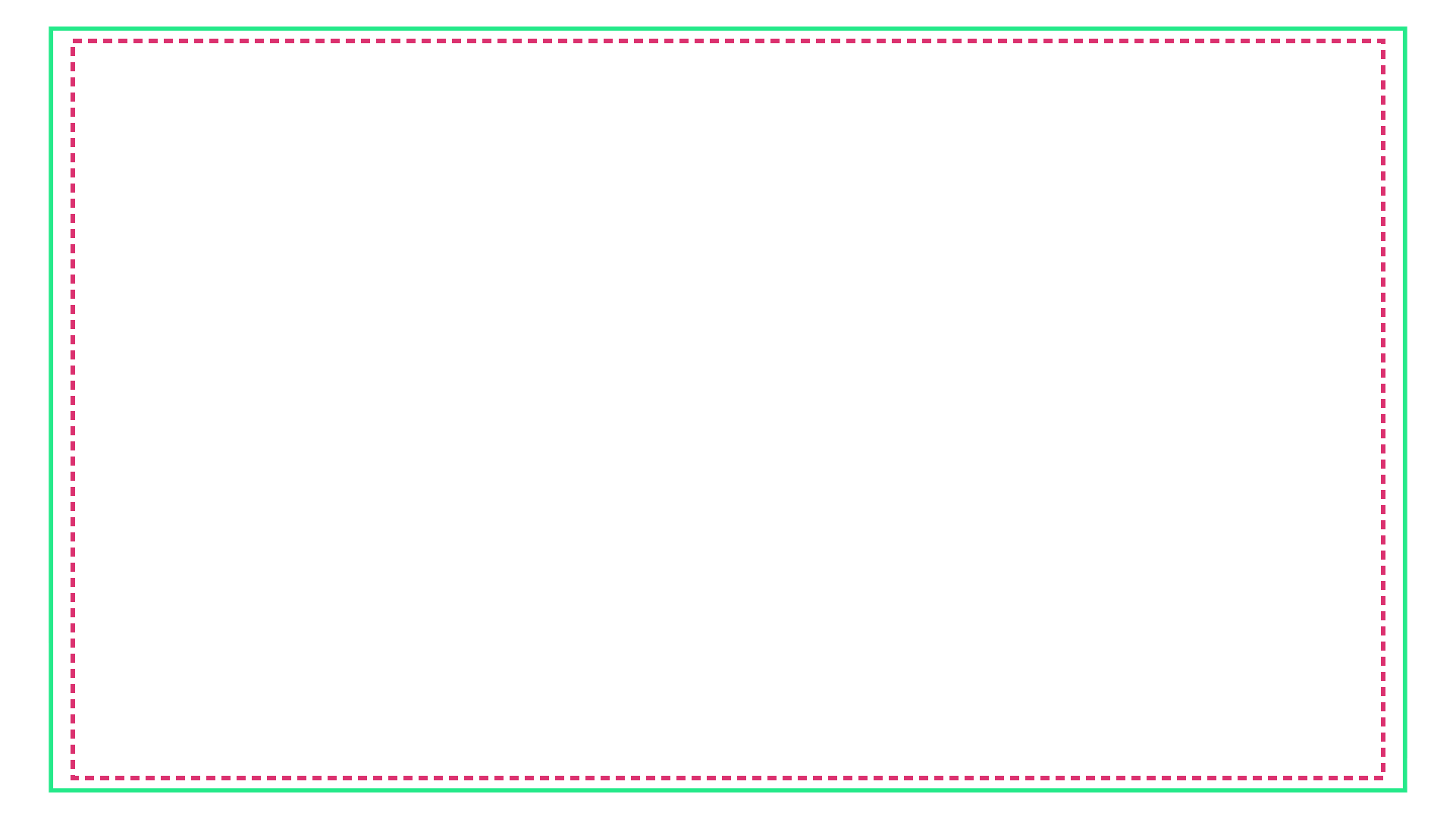
Two outlines and no fill. The solid green line is action safe, 3.5% in from every edge, and the dashed line is title or graphics safe, 5% in, which is a 1728×972 px box on 1080p. The older 5% and 10% pair comes from SMPTE RP 218, which is deprecated.
Source: EBU R95 and SMPTE ST 2046-1 · Verified 30 September 2026
Pixel values are for 1080×1920 (1920×1080 for the two 16:9 templates) and were last verified on 30 September 2026 against TikTok's In-Feed ads template, the Meta Ads Guide, Google's YouTube video ads templates, Snap's safe zone page, Pinterest's product specs and EBU R95. Every source is also linked in the specs matrix.
Red marks the areas the app covers and the white line marks the edge of the safe box. On the TV template the green line is action safe and the dashed line is title safe.